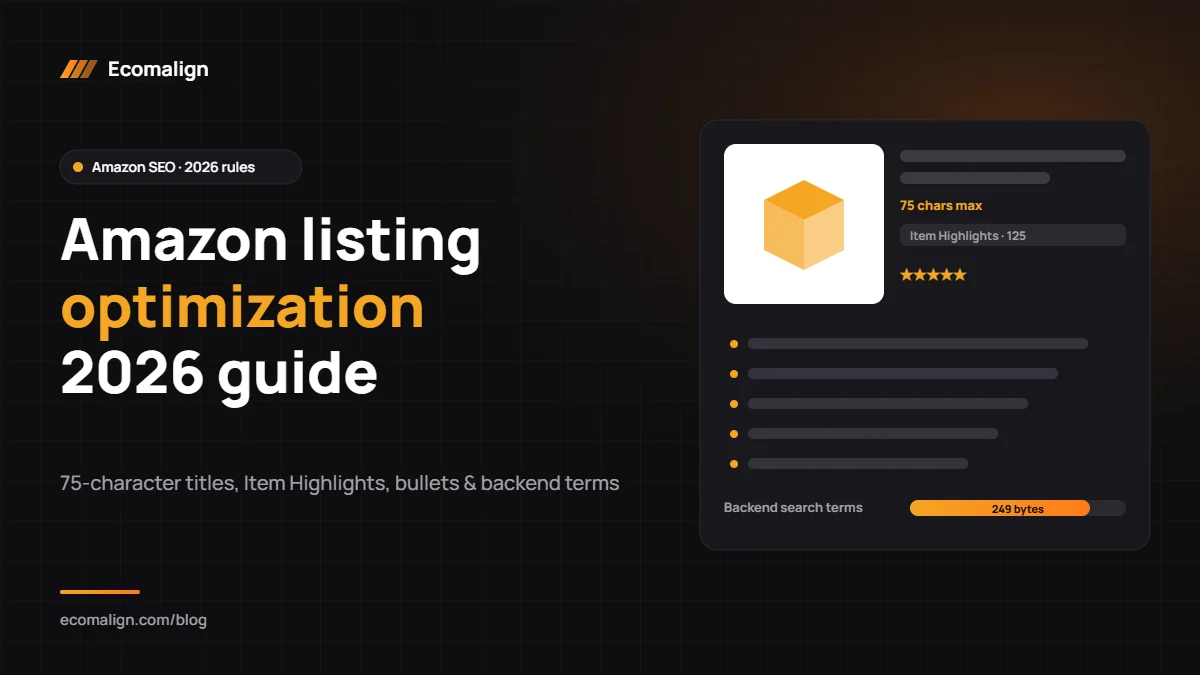
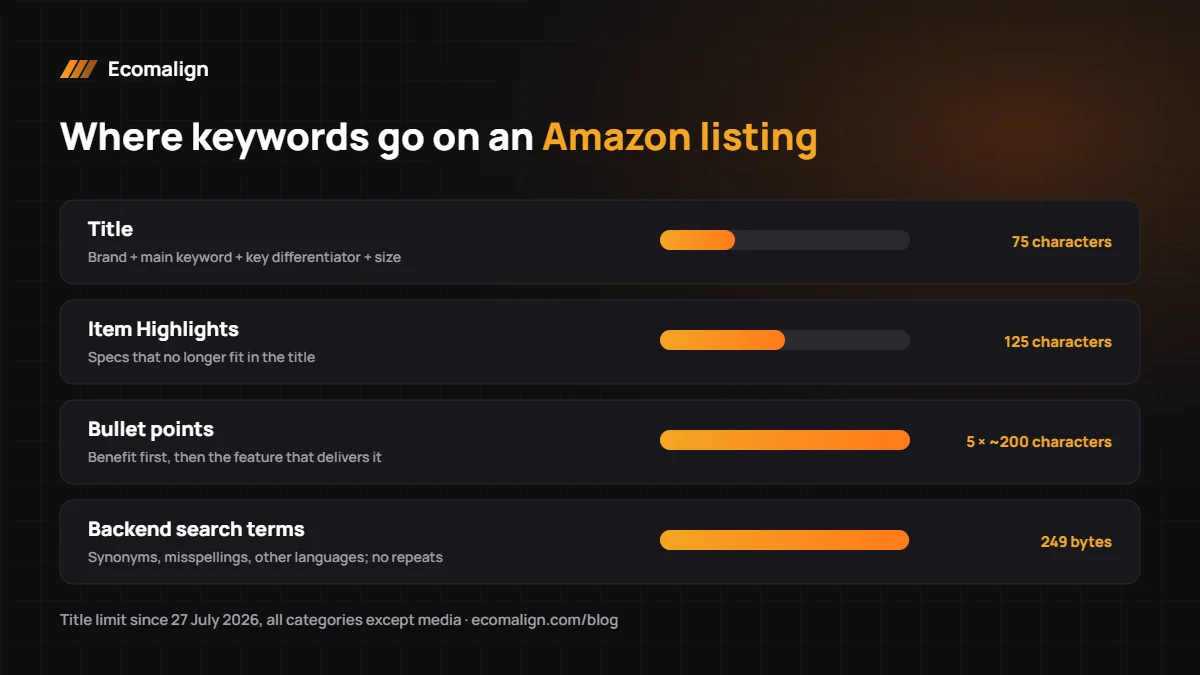
Short answer: Amazon listing optimization means improving your title, Item Highlights, bullet points, description, backend search terms, images and A+ Content so your product ranks for the right searches and converts visitors into buyers. Since 27 July 2026, most product titles are capped at 75 characters, so your main keyword must come first and supporting terms move to the new 125-character Item Highlights field.
A well-optimised listing does two jobs: it gets found by Amazon’s search algorithm and it convinces a shopper to buy. At Ecomalign we rewrite listings for sellers on Amazon US, UK and UAE. This is the process we follow.
Step 1: Do keyword research first
Start with what buyers type, not what you call your product.
- Use Amazon’s search bar autocomplete for long-tail phrases
- Check Brand Analytics (Search Query Performance) if you are brand registered
- Pull competitor keywords with a tool such as Helium 10 or SellerSprite
- Group keywords into: one main keyword, 3–5 strong secondaries, and a long list of long-tail terms
Step 2: Write a title under 75 characters
From 27 July 2026, Amazon caps product titles at 75 characters including spaces in every category except media (books, music, video) (Amazon Seller News, June 2026). Amazon is rewriting over-length titles gradually, so fix them yourself before an automated rewrite drops your keywords.
A simple formula: Brand + main keyword + key differentiator + size/quantity.
Example: “Acme Insulated Water Bottle 1L, Leak-Proof Stainless Steel” (58 characters).
Avoid promotional words (“best”, “sale”), repeated words and special characters such as ! $ ? ~ { } that Amazon restricts in titles.
Step 3: Fill Item Highlights (125 characters)
Item Highlights is a new searchable field under the title. Use it for the specs and features that no longer fit: “Cold 24 hrs · Hot 12 hrs · BPA-free · Dishwasher safe”. It does not replace bullet points.
Step 4: Write five benefit-led bullet points
- Lead each bullet with a short benefit in capitals, then explain the feature that delivers it
- Keep each bullet around 200 characters so it reads well on mobile
- Put your most important secondary keywords in bullets 1 and 2
- Answer the top questions from competitor reviews (size, material, compatibility, warranty)
- No emojis, trademark or currency symbols
Step 5: Add backend search terms
The search terms field is limited to 249 bytes for most categories; stay under it, because going over can stop all backend terms from indexing. Use synonyms, alternate spellings, Spanish or Arabic terms for your market, and use-cases not in the visible copy. Separate with spaces, no commas, and do not repeat words already in the title.
Step 6: Optimise images
Images decide the click and much of the conversion.
- Main image: product on pure white (RGB 255,255,255), filling about 85% of the frame, at least 1,600 px for zoom.
- Infographic: 3–4 key benefits with short text.
- Dimensions: product with measurements and a scale reference.
- Lifestyle: product in use by your target customer.
- Comparison or what’s-in-the-box.
- Video: 30–60 seconds showing the product working.
Step 7: Build A+ Content (brand-registered sellers)
A+ Content replaces the plain description with images, comparison charts and brand story modules. Use a comparison chart to cross-sell your other products and alt text on every image (it improves accessibility and gives Amazon more context about each image).
Step 8: Test, measure and refresh
Track sessions, unit session percentage (conversion) and keyword rank weekly. Use Manage Your Experiments to A/B test titles, main images and A+ Content. Refresh listings every quarter, and immediately after a policy change like the 2026 title limit. To speed up ranking, support new listings with ads; see our Amazon PPC guide.
Amazon listing optimization checklist
- Main keyword in the first 40 characters of the title
- Title under 75 characters
- Item Highlights filled (125 characters)
- 5 bullets, benefit first, around 200 characters each
- Backend search terms under 249 bytes, no repeats
- 7+ images including a video
- A+ Content with comparison chart
- All attributes and item specifics complete
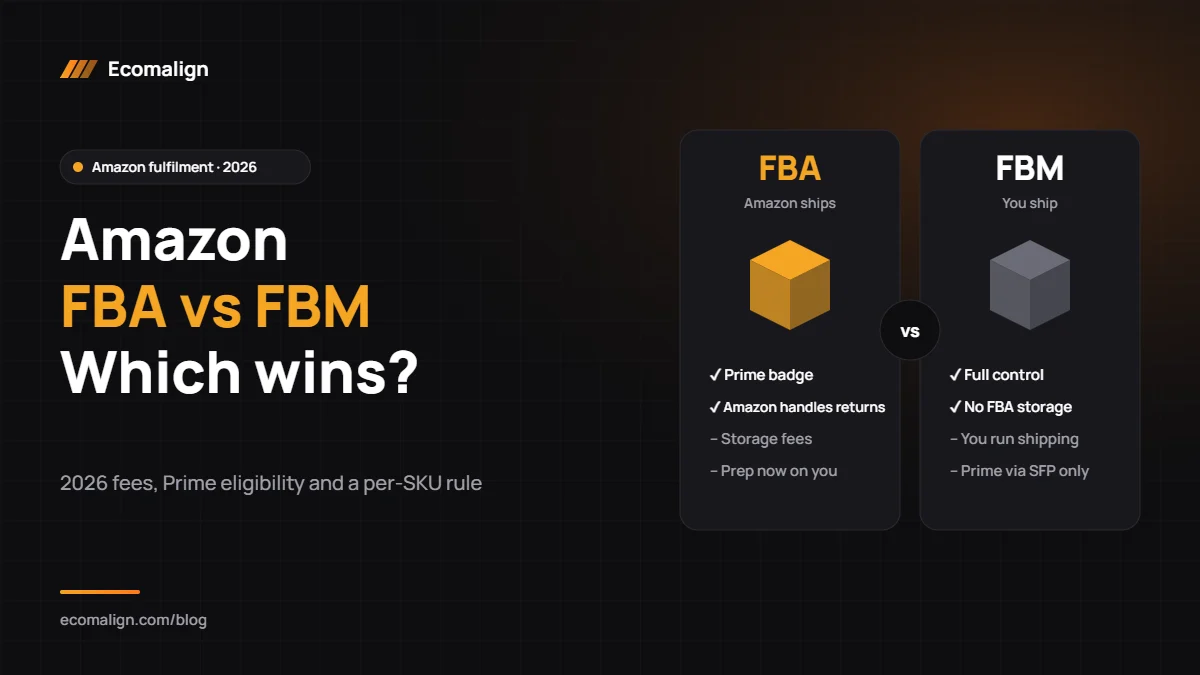
Choosing how to fulfil orders too? Read Amazon FBA vs FBM. Prefer to hand it over? Our marketplace management team rewrites and manages listings for you.
FAQ
What is the Amazon title character limit in 2026?
75 characters including spaces for most categories since 27 July 2026. Media categories (books, music, video) keep the longer limit.
What are Amazon Item Highlights?
A searchable 125-character field below the title, introduced with the shorter title rule, for key specs and features.
How many backend keywords can I use on Amazon?
Up to 249 bytes in the search terms field for most categories. Exceeding it can stop the field from indexing.
How long does Amazon listing optimization take to show results?
Indexing changes appear within 24–72 hours. Ranking and conversion improvements usually show within 2–4 weeks, faster if you support the listing with PPC.
Does A+ Content improve SEO on Amazon?
A+ Content mainly lifts conversion, and higher conversion improves organic rank over time.
Want your listings rewritten for the 2026 rules? Get a free listing audit from Ecomalign or call +971 56 542 4660.